

Now a days poeple are so reliant on our smart phones. Who won’t be, it can really make life a lot easier, in more ways than one. There are a lot of apps in our smart phones that can be very useful while we are travelling on our motorcycle. Now wouldn’t it be nice if we could use our smart phones safely while driving our motorcycles. Well yes we can. We can install a smart phone holder and USB port/s on our motorcycles. Here’s how:
First, shop for a cellphone holder. Remember this will hold your valuable cellphone, so make sure it is of high quality.
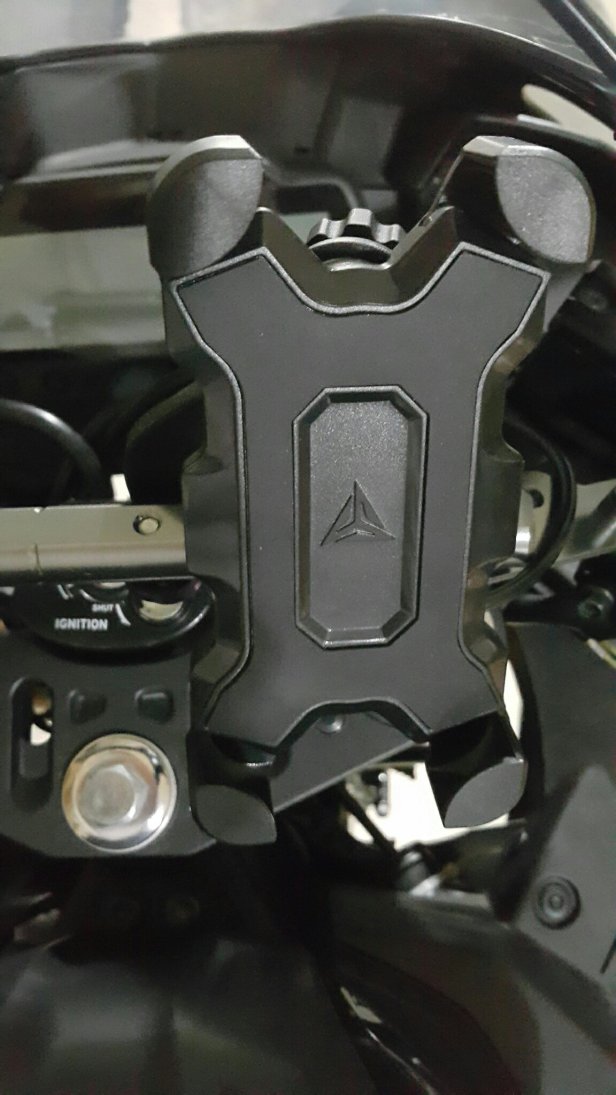
And it would be best if you also install a USB port/s to charge your cellphone. Now some cellphone holders comes with a built-in USB port but there are also stand alone USB ports that you can install seperately. Once you’ve bought your cellphone holder and USB Port find a good place to fasten it.
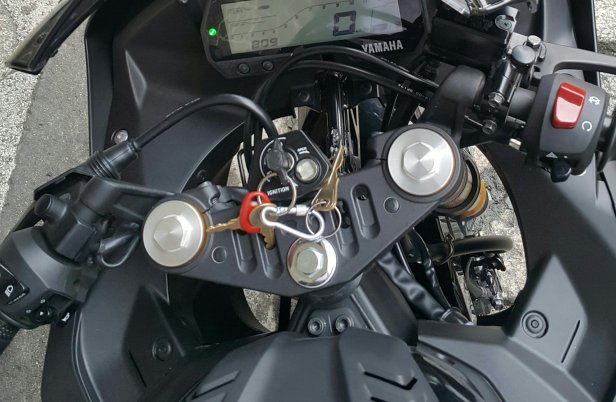
You can also make use of after-market brackets and adaptors to fasten the cellphone holder to your bike.

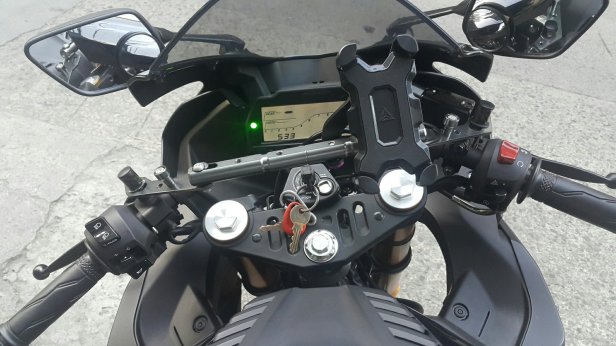
Take note that if your going to use the side mirror sockets remember that one socket has a reverse thread. So you can’t use a conventional bolt. Instead, use a pair of side mirror adapters with opposite threads.
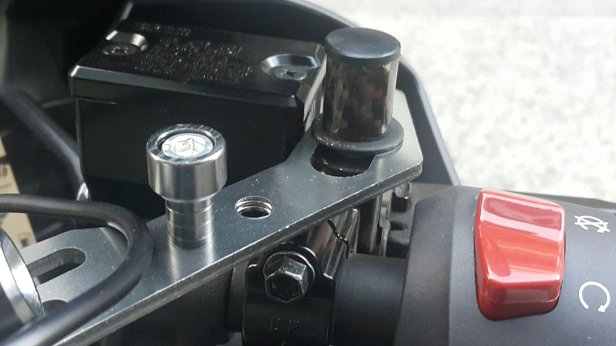

After fastening the cellphone holder and USB port/ports. It’s time to connect the USB power cable to the battery. Now the best way to power up your USB port/ports is by connecting it to the positive and negative wires after the key switch. This way even if you forget to switch off the USB port as long as the key switch is off you won’t accidentally drain your battery.
Now some motorcycles have one or more extra power terminal/s where you can just plug in the device you need to power-up. Some like Yamaha”s YZF R15 v3 has ready to plug-in power terminals. The male terminal which is connected to to the key switch and a provided female terminal that you can remove and attach to the device you want to connect to your motorcycle’s power supply.
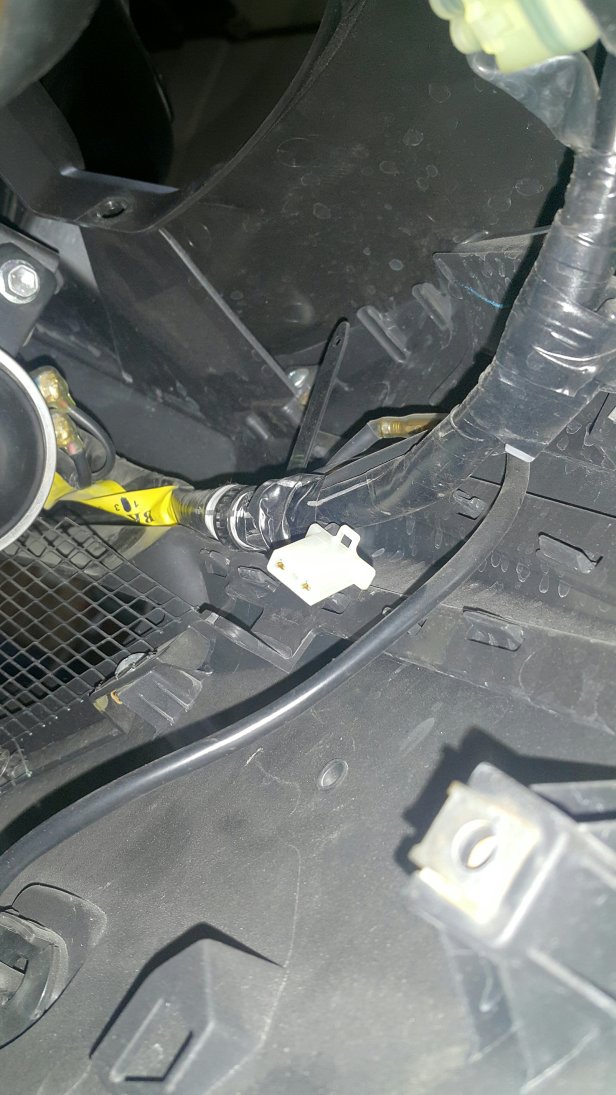
You will need to strip the tip of the device’s positive and negative wires and attach it with metal prongs.
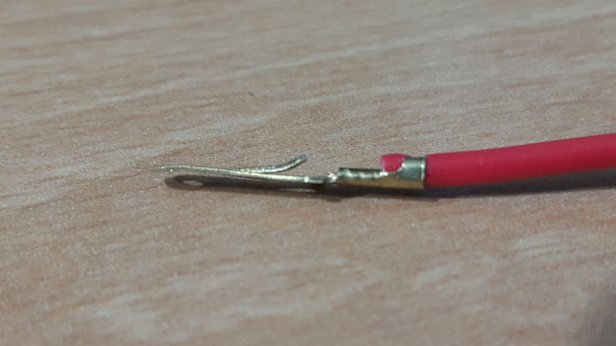
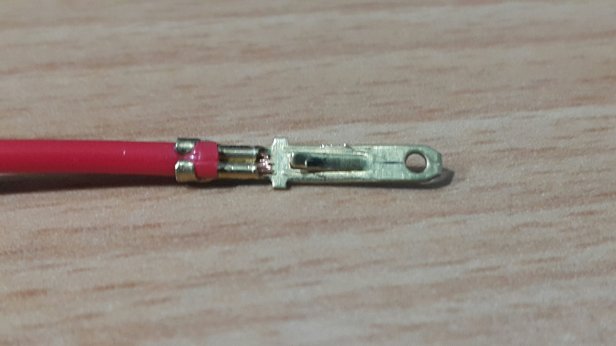
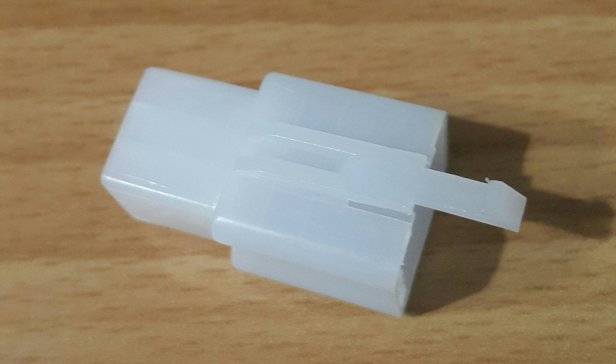
Then insert the prongs to the plastic terminal in the right order, positive to positive, negative to negative (black wire). The middle is for the ground wire. If the device you’re going to connect has no ground wire which is often the case. Just leave the middle blank.
We can now easily and properly plug-in the device via terminals/couplers.
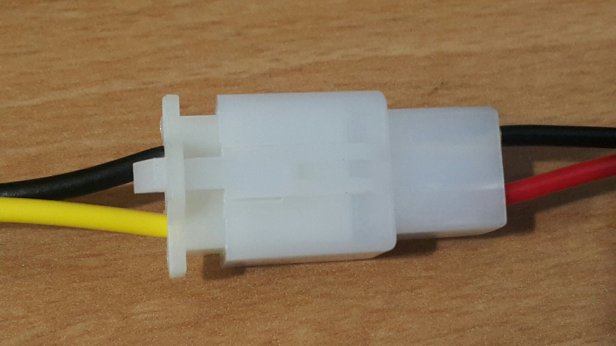
Attach female coupler to the male coupler of your motorcycle.

Put your key on the ignition and turn key to on.
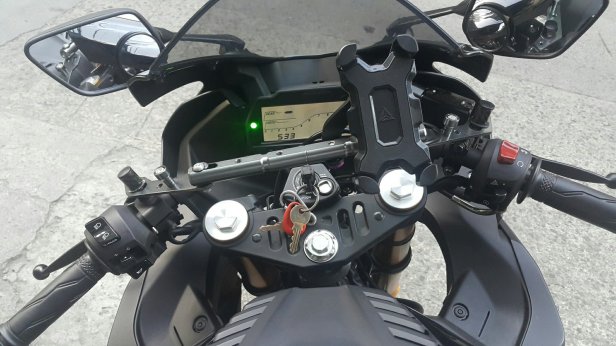
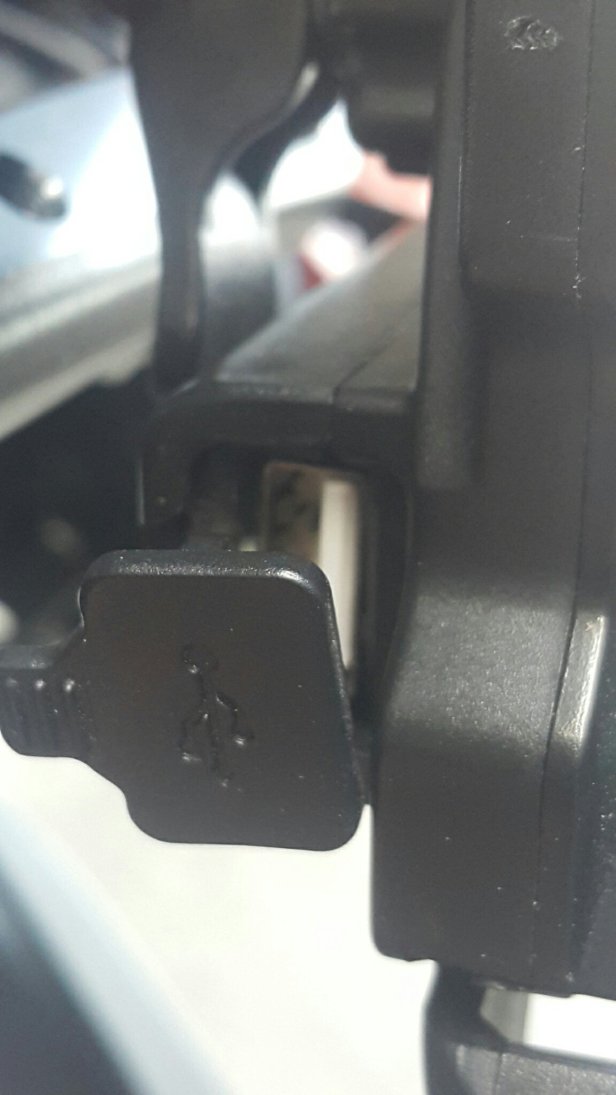
Remove the cover of your USB port.
Inside You”ll see a small switch. Turn it on.
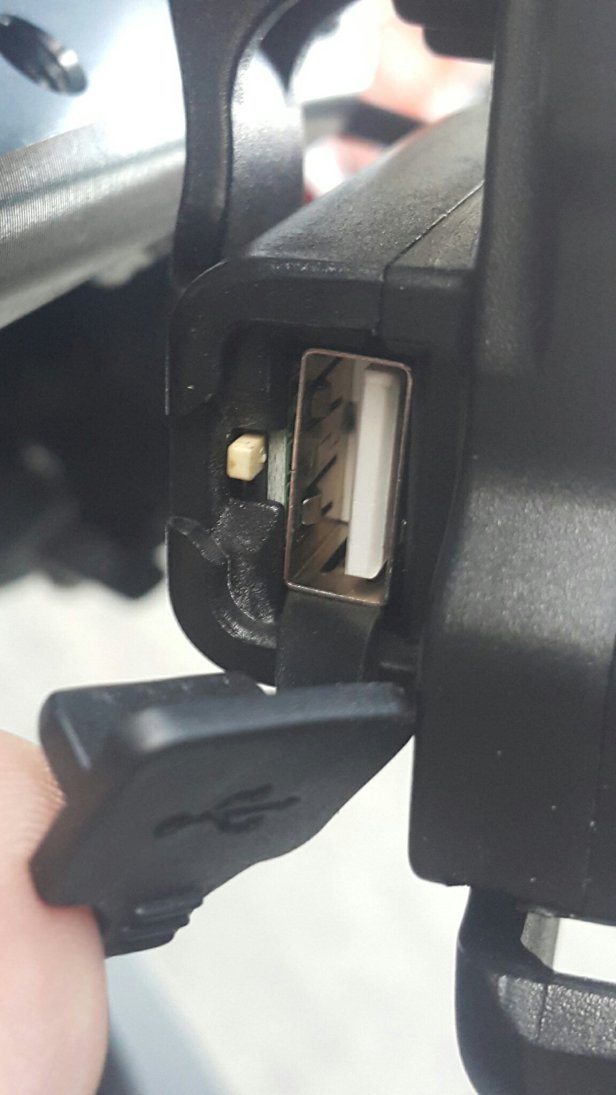
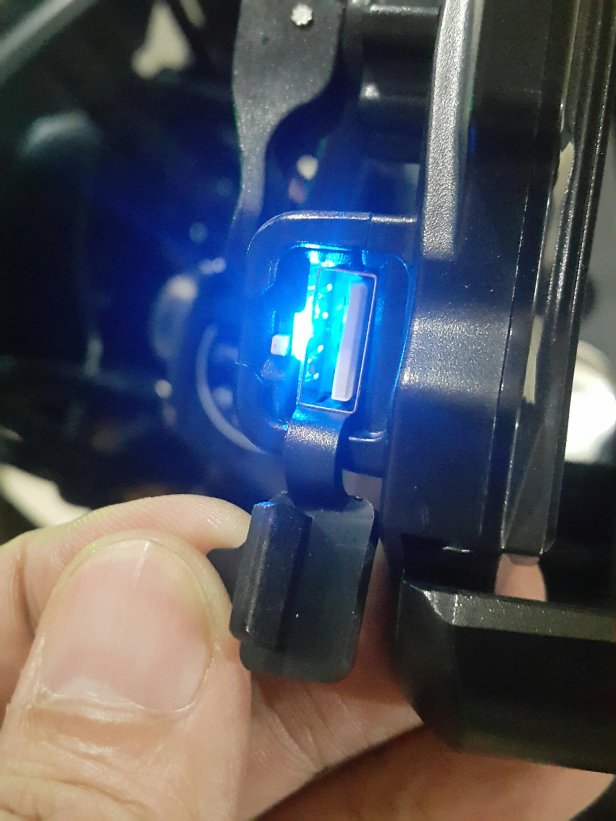
An LED inside will light up indicating the doevice is powered on and you’re good to go.
Watch on YOUTUBE

 FelXtreme Motoblog